
FivePears Ratchet Torque Wrench - Ручной ключ с рычагом FivePearsDinamometric Digital Orthodontic Dynamometer - Динамометр ортодонтический цифровой динамометрBike/Car/Mechanical Repair Multi Hand Tools on - Многофункциональный набор ручных инструментов дл

FivePears Store
Информация о магазине
Стаж работы магазина FivePears Store можно посмотреть на странице заказа товара.
*Внимание! Точную цену на данный товар Вы можете узнать непосредственно у продавца! На 21.05.2026 стоимость указанная на данной странице уже могла измениться! * Узнать цену *
Description


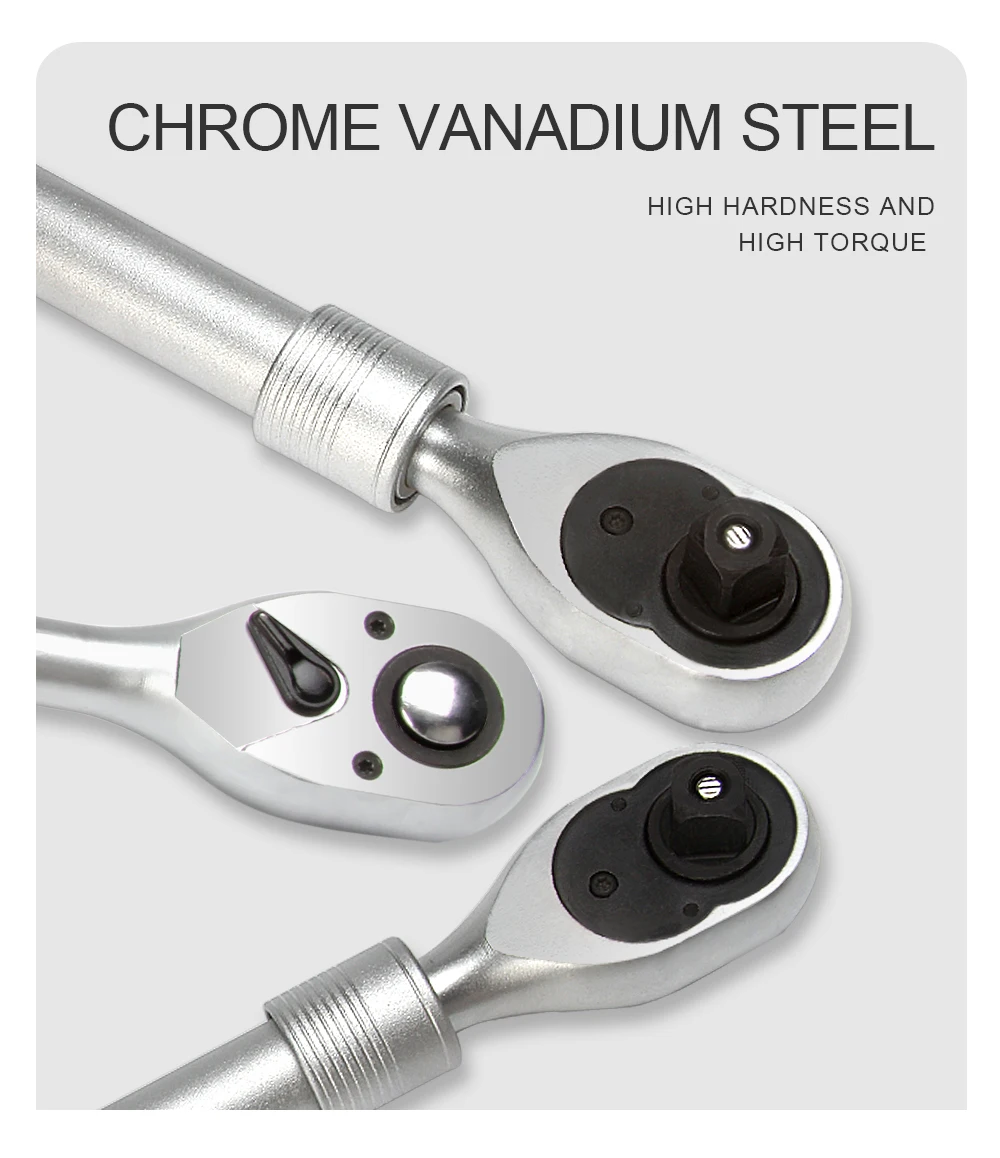
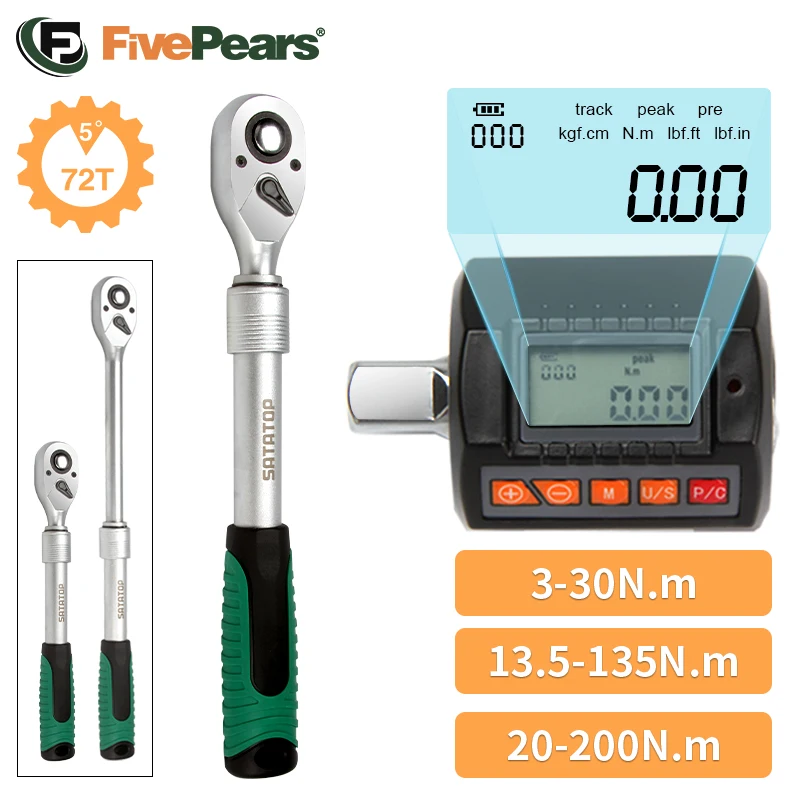
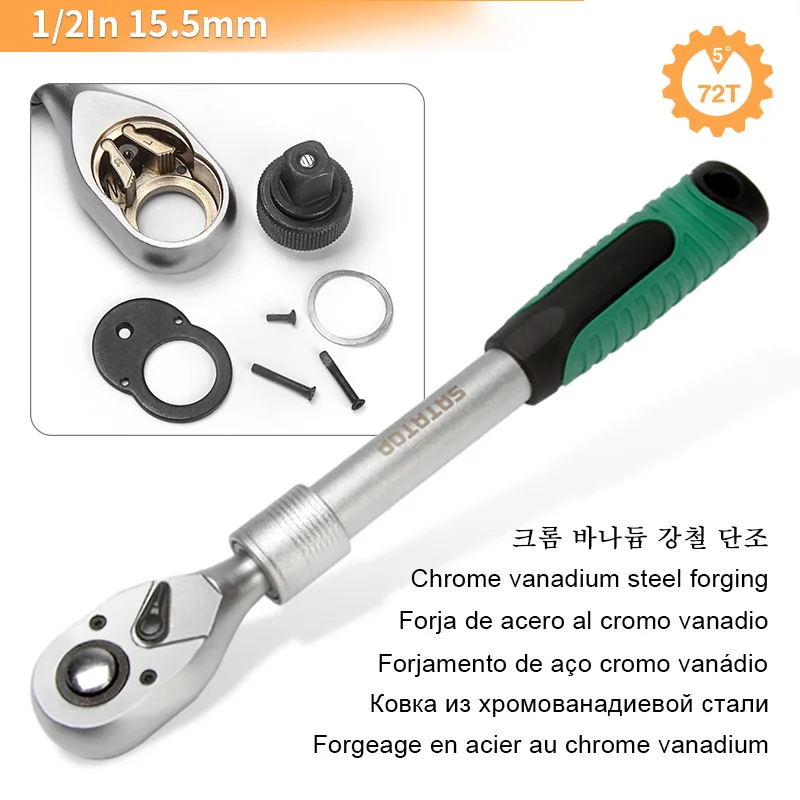
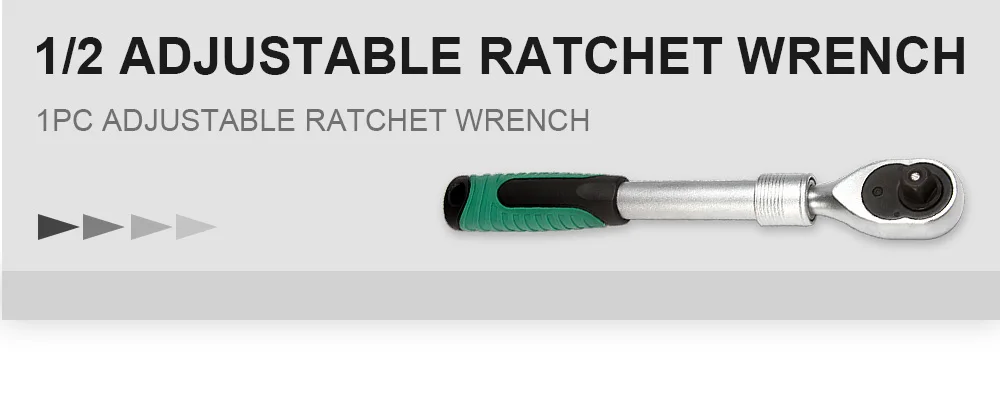
72-Tooth Ratchet Design
The 72-tooth ratchet design requires only 5° for one rotation, making it easy to use in tight spaces.
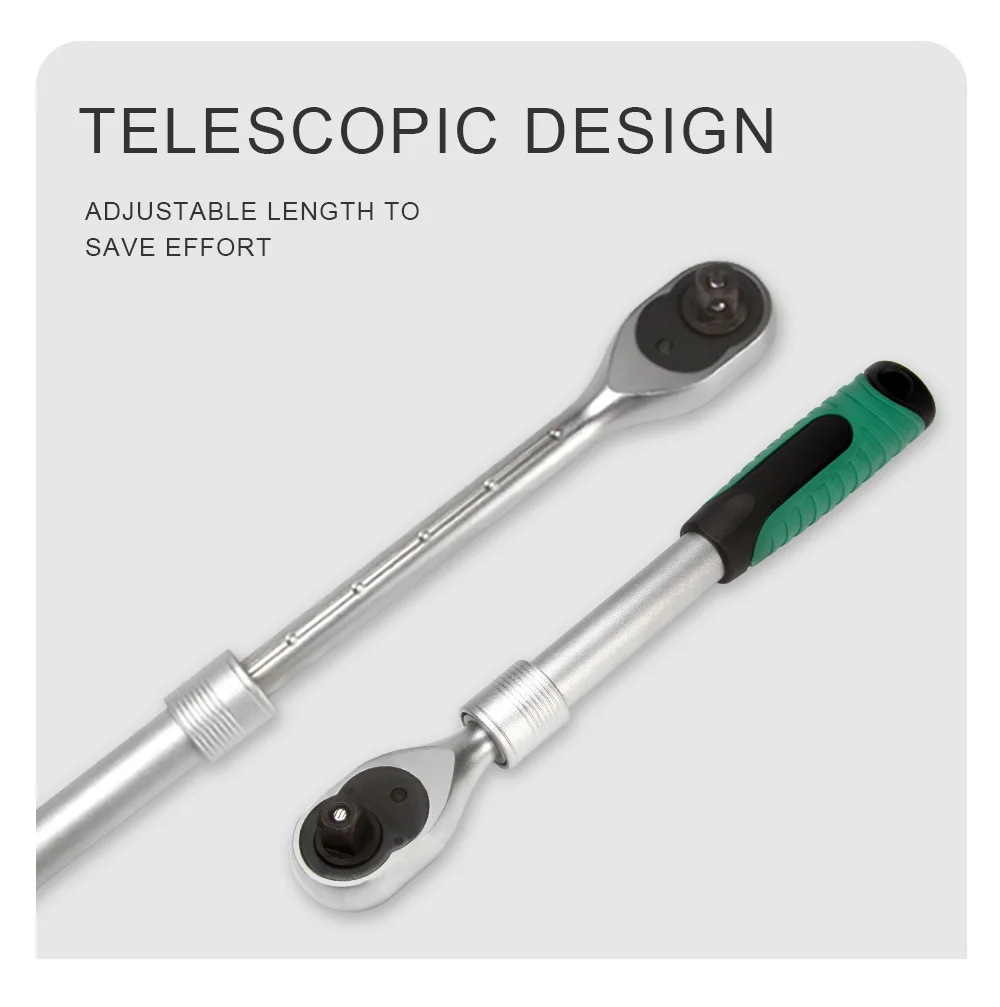
Chrome Vanadium Steel Forging
It is made of high-quality chromium-vanadium alloy steel, and the product is heat-treated as a whole, with high hardness, large torque and longer service life.
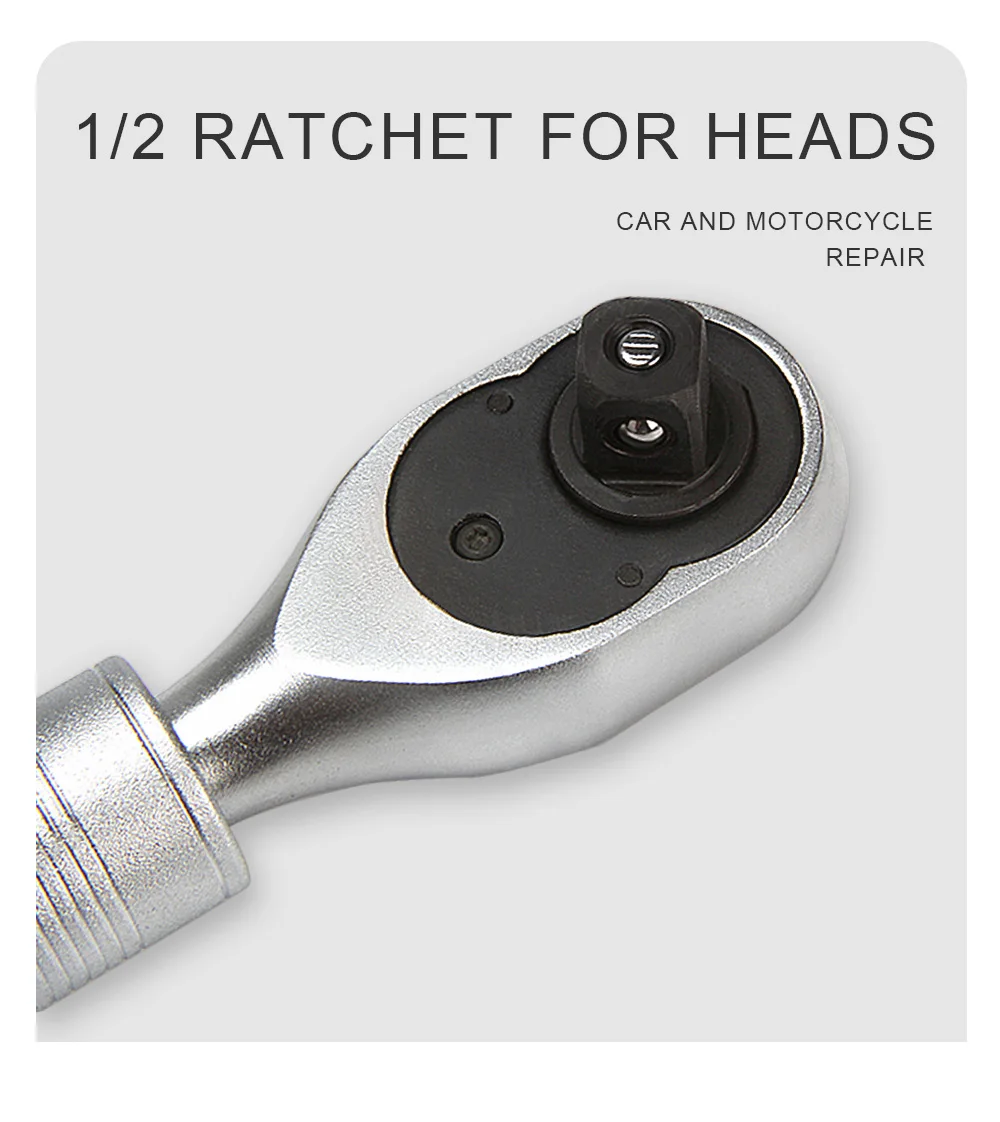
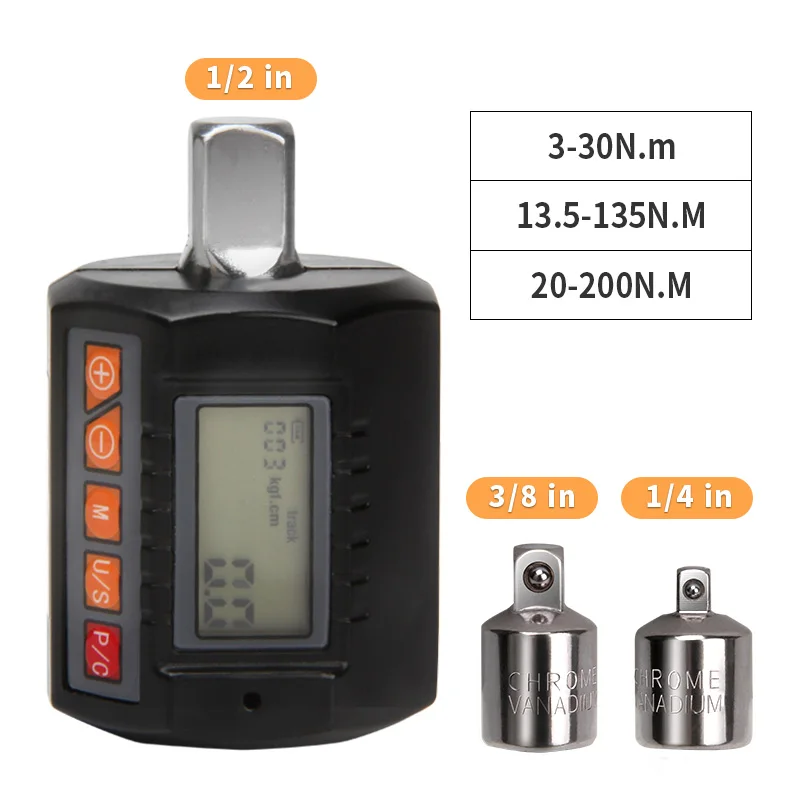
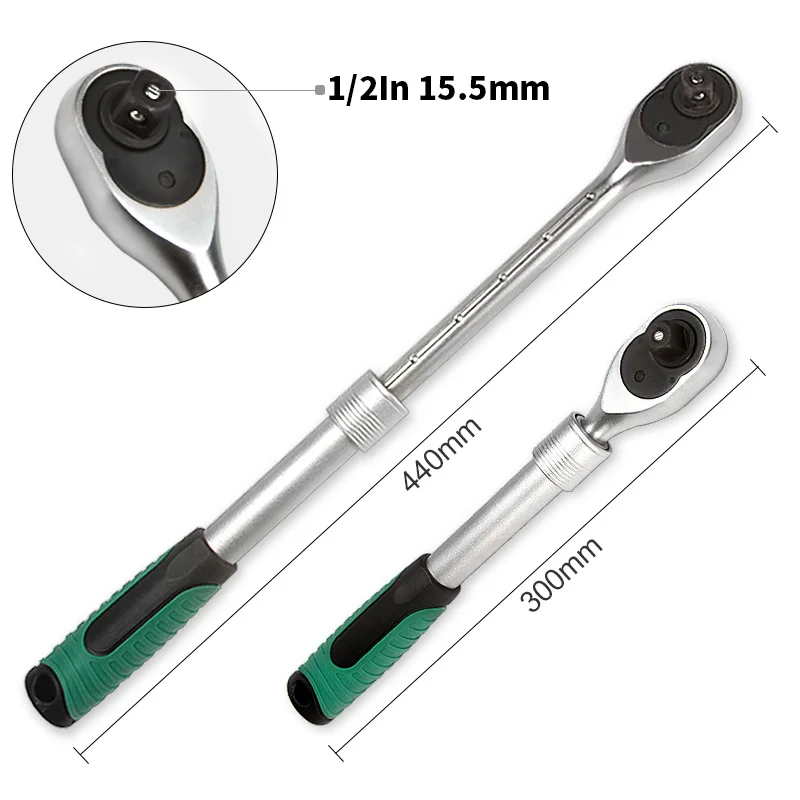
1/2 Ratchet For Heads
1/2 ratchet head, large torque, suitable for sockets within 32MM (hexagon diameter).Suitable for car and motorcycle maintenance.
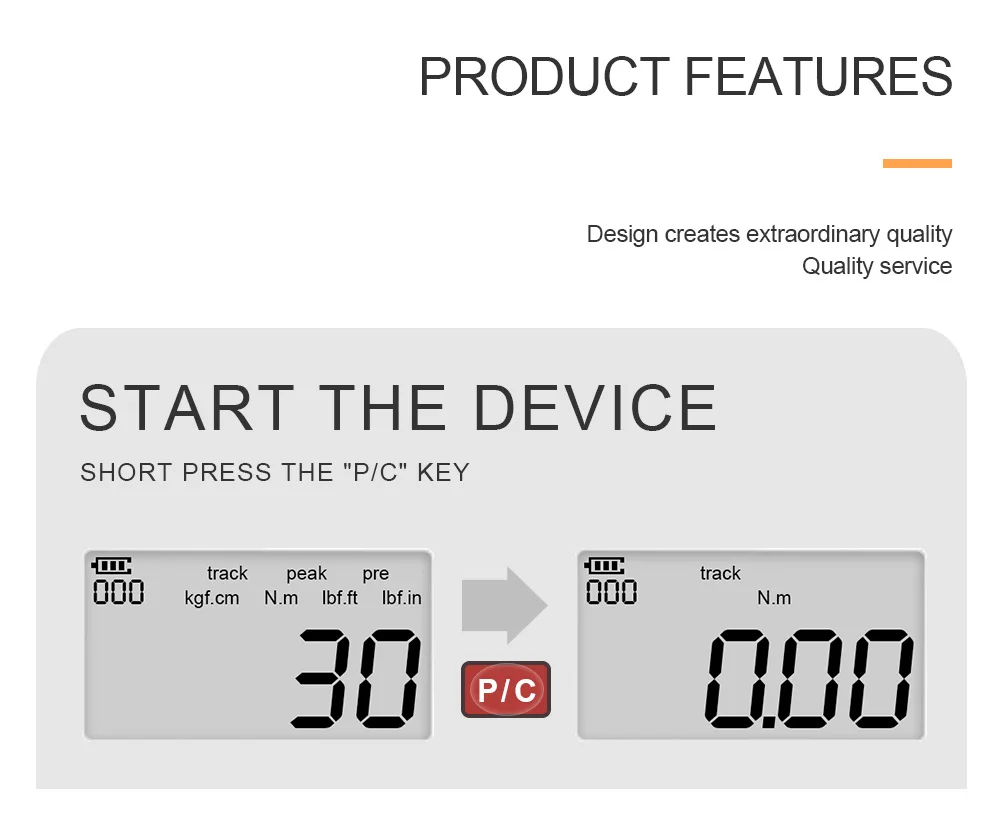
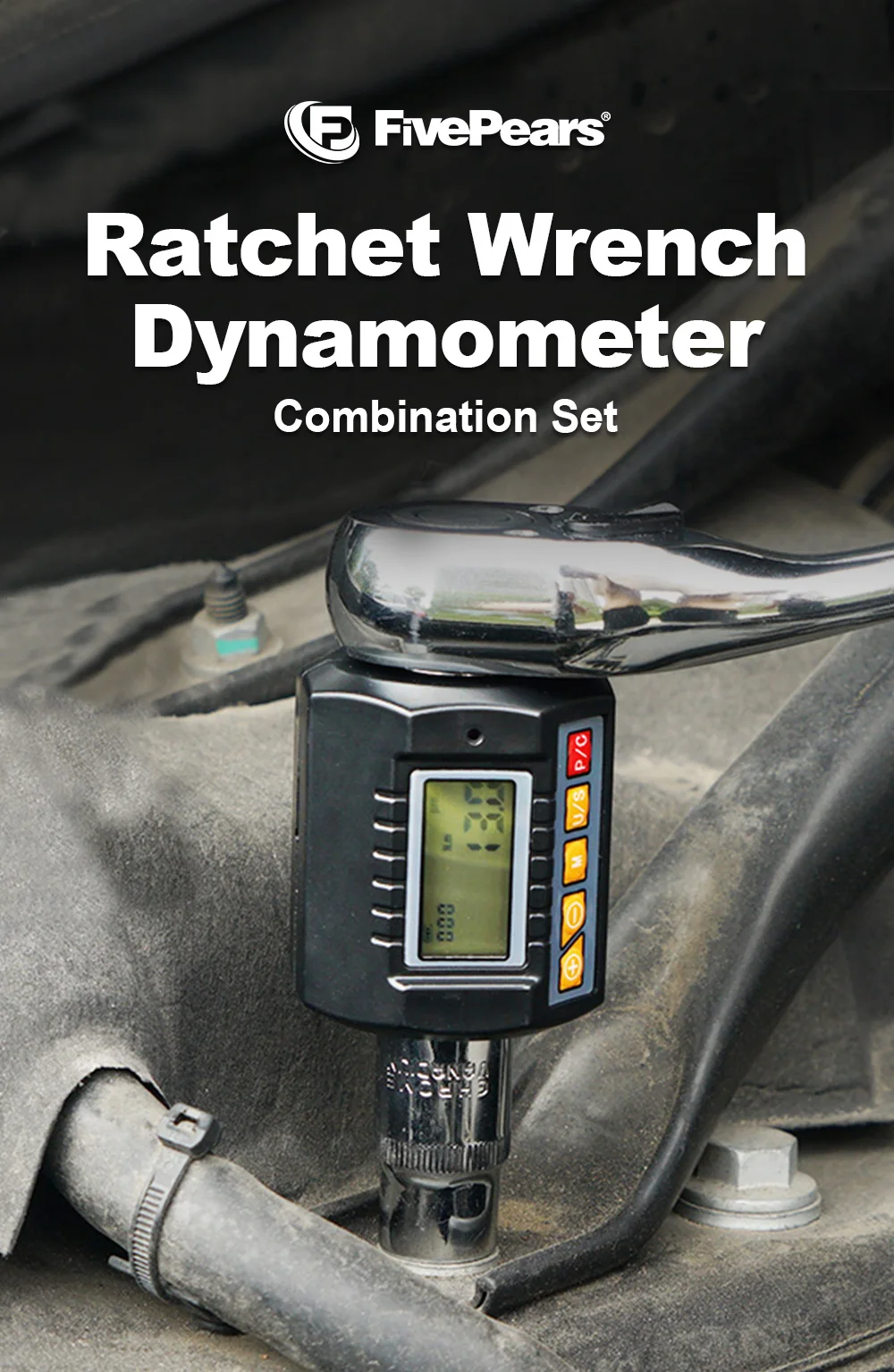
Start The Device
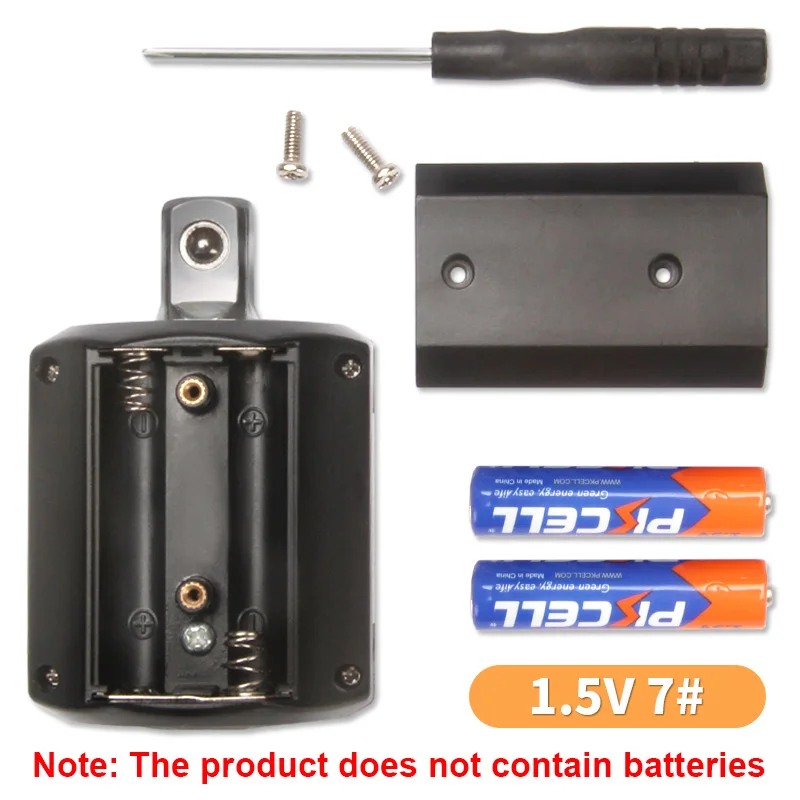
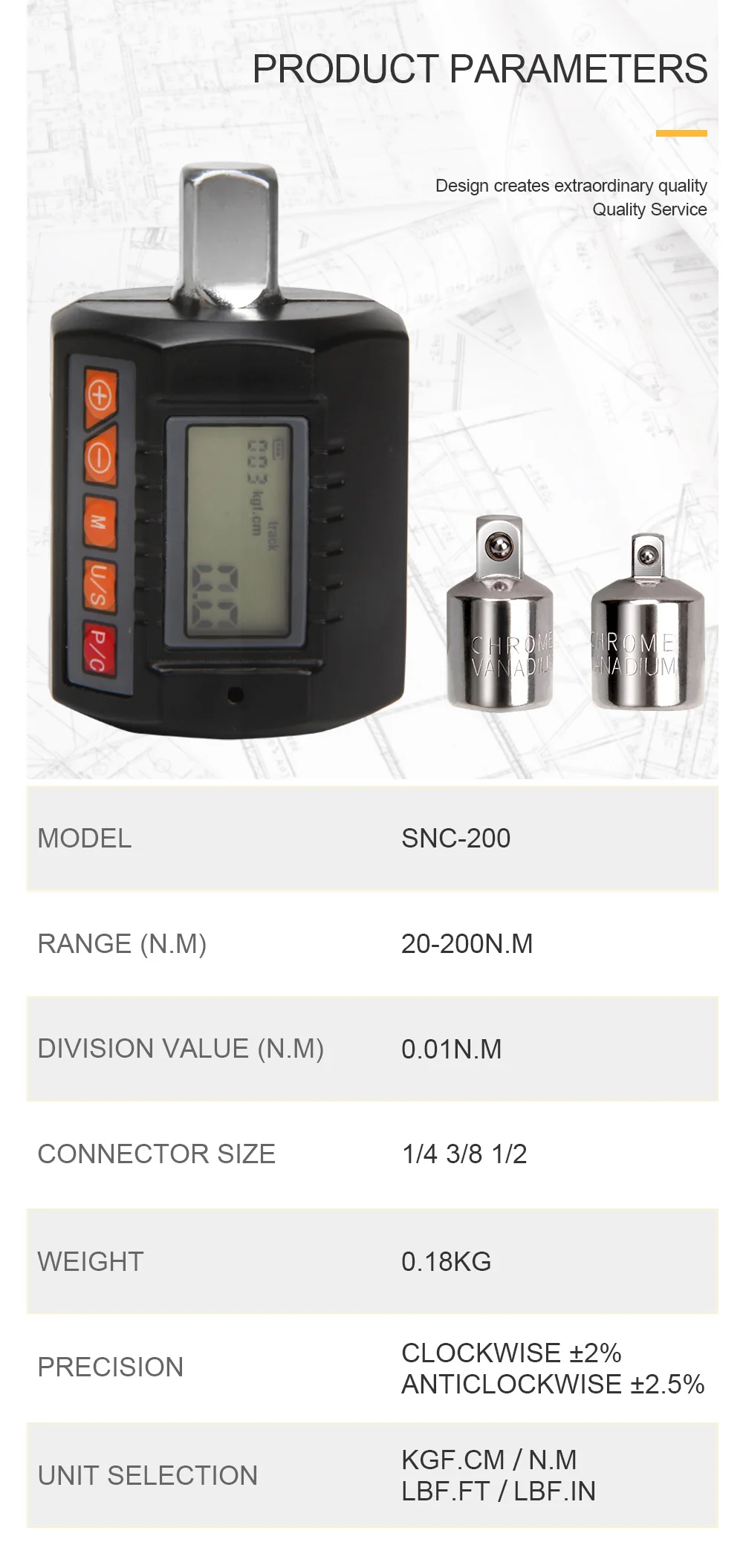
Short press the "P/C" key to turn on the device. After the start, if the battery display is insufficient, it will automatically turn off and it can be used normally after replacing the battery.
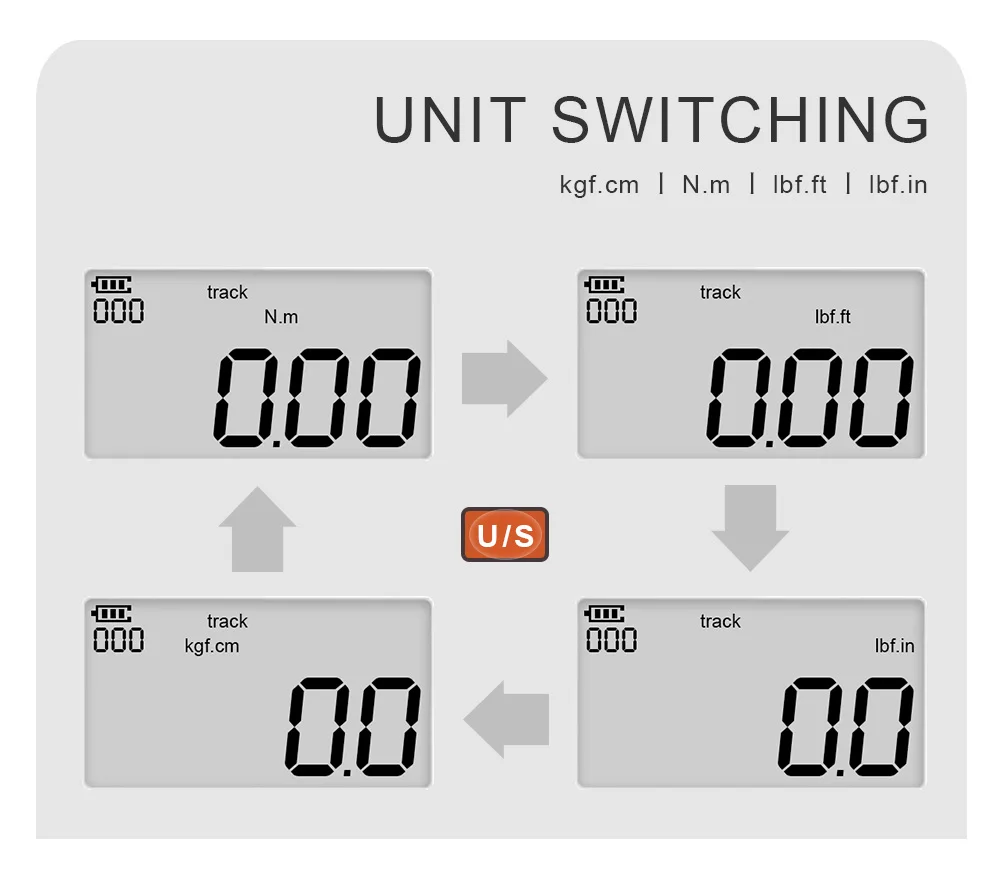
Unit Switching
In the startup state, please press the "U/S" key to switch between the 4 engineering units.
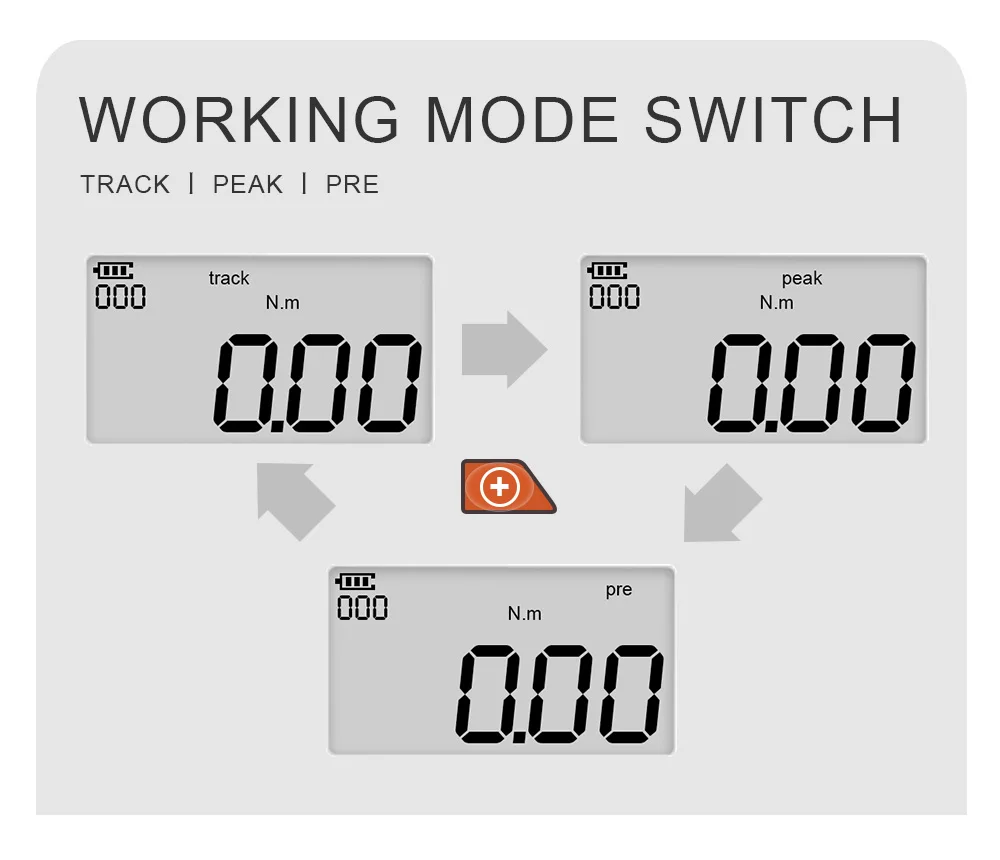
Working Mode Switch
In the startup state, please press "+" to switch between 3 working modes: "track"/"peak"/"pre".
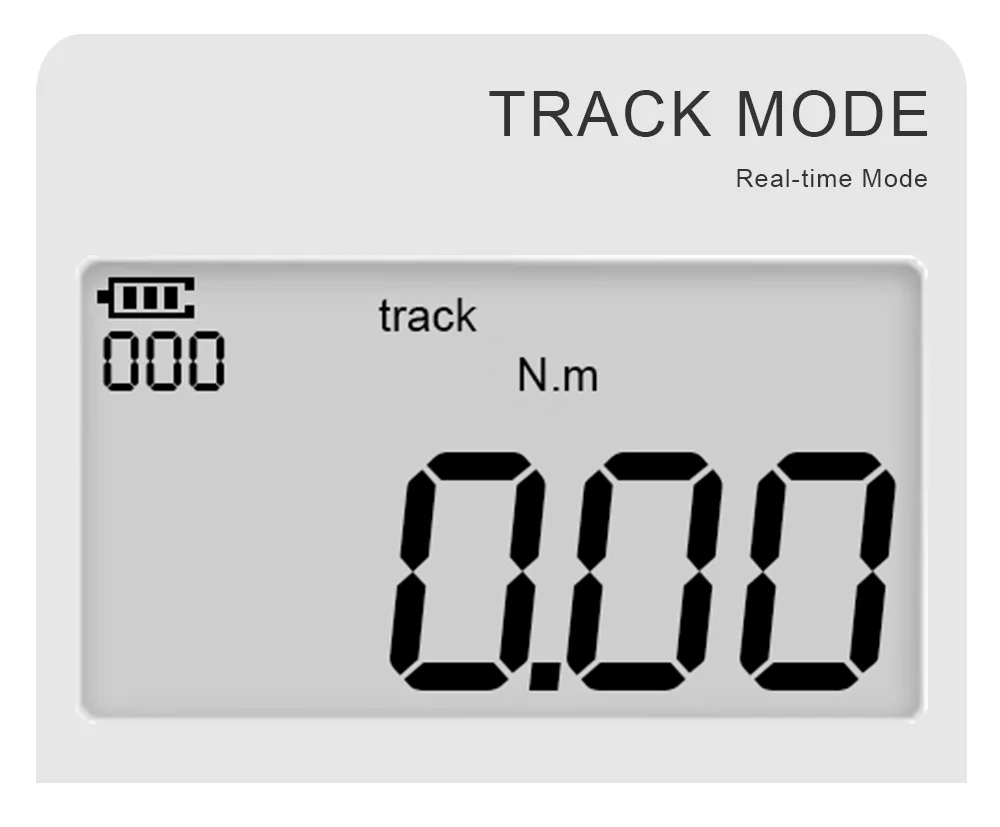
Real-Time Mode
The real-time measurement mode follows the applied torque value. When the torque is unloaded, the torque value automatically returns to zero. When the LCD screen displays "TRACK", it is in real-time mode, please press the "+" key to switch the working mode.
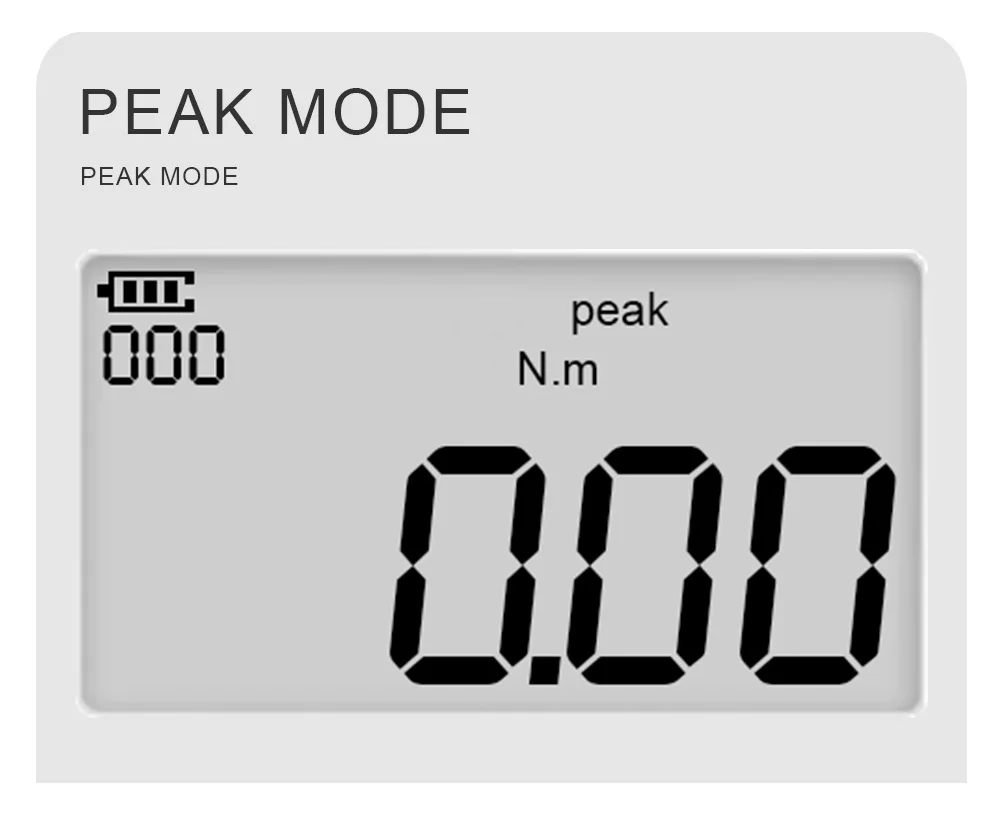
Peak Mode
In peak measurement mode, when torque is applied, the wrench will lock the maximum applied torque and display it on the LCD screen. When the torque is unloaded, the peak torque will be locked. When reloading, the LCD screen will not update the locked peak value. You can save the value by pressing the "M" key or reset the value by pressing the "P/C" key. The LCD screen displays "PEAK" as the peak mode, please press the "+" key to switch the working mode.
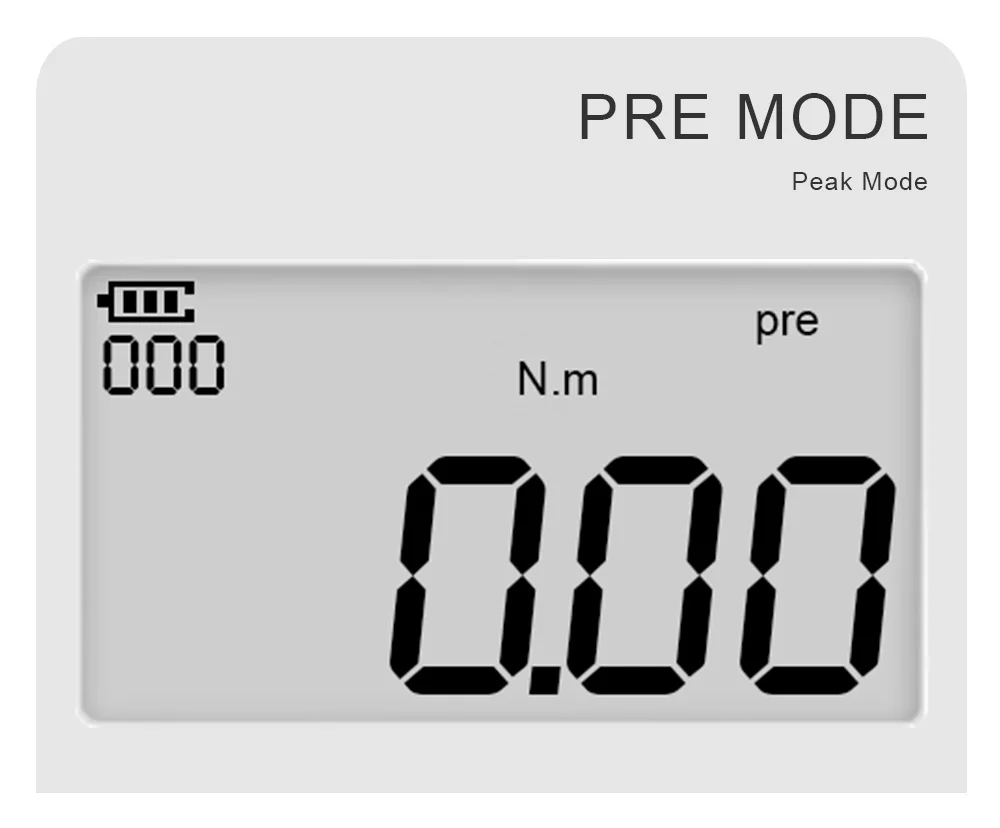
Preset Mode
In the preset mode, long press the "—" key to enter the preset value setting, and then press the "+" key to increase the target value, or press the "—" key to decrease the target value. After setting, press "U/S" key to save and exit. After the buzzer is turned on, when the preset target torque value is reached, the buzzer will beep and the red light will be on. The LCD screen displays "PRE" as the preset mode, please press the "+" key to switch the working mode.
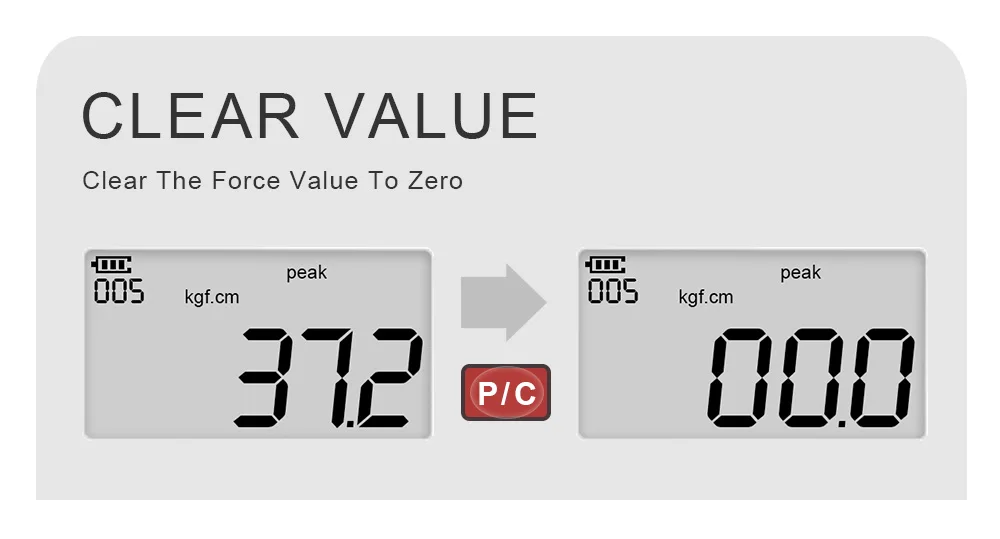
Clear Value
When the display shows the force value, press the "P/C" key to directly clear the force value to zero.
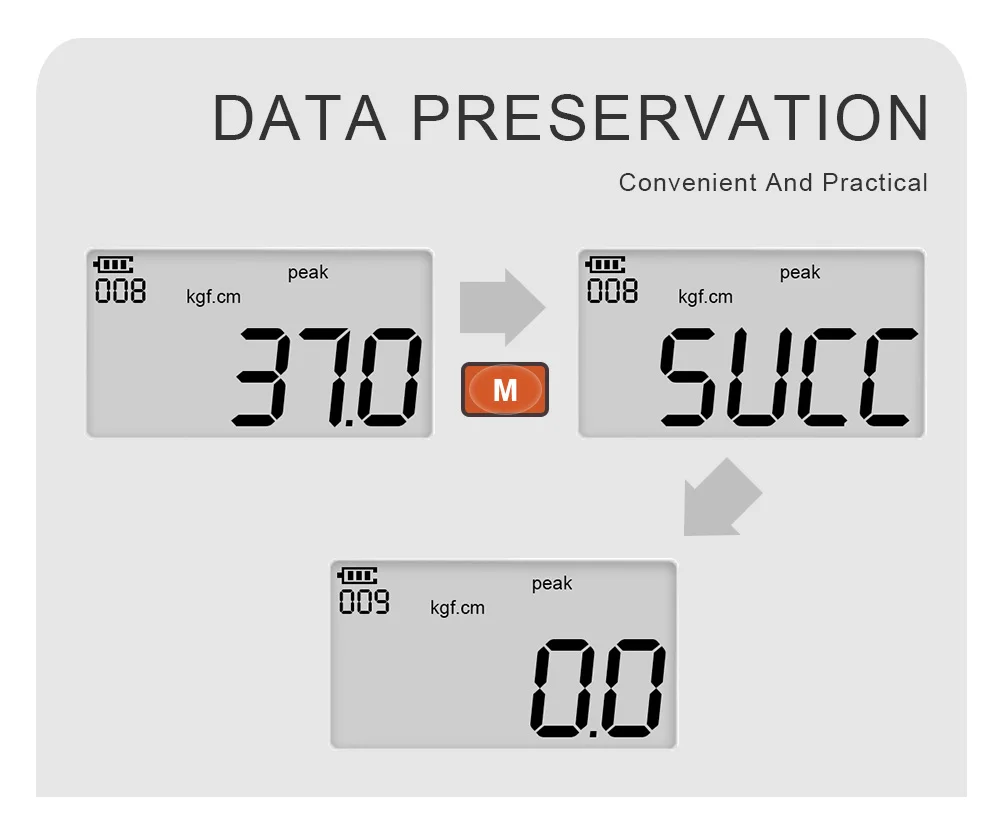
DATA PRESERVATION
In the measurement interface, short press the "M" key, when "5Ucc" is displayed, the table shows that the save is successful. When "FAiL" is displayed, it means the save failed. When the force value occurs, it cannot be saved, and "FAiL" will be prompted.
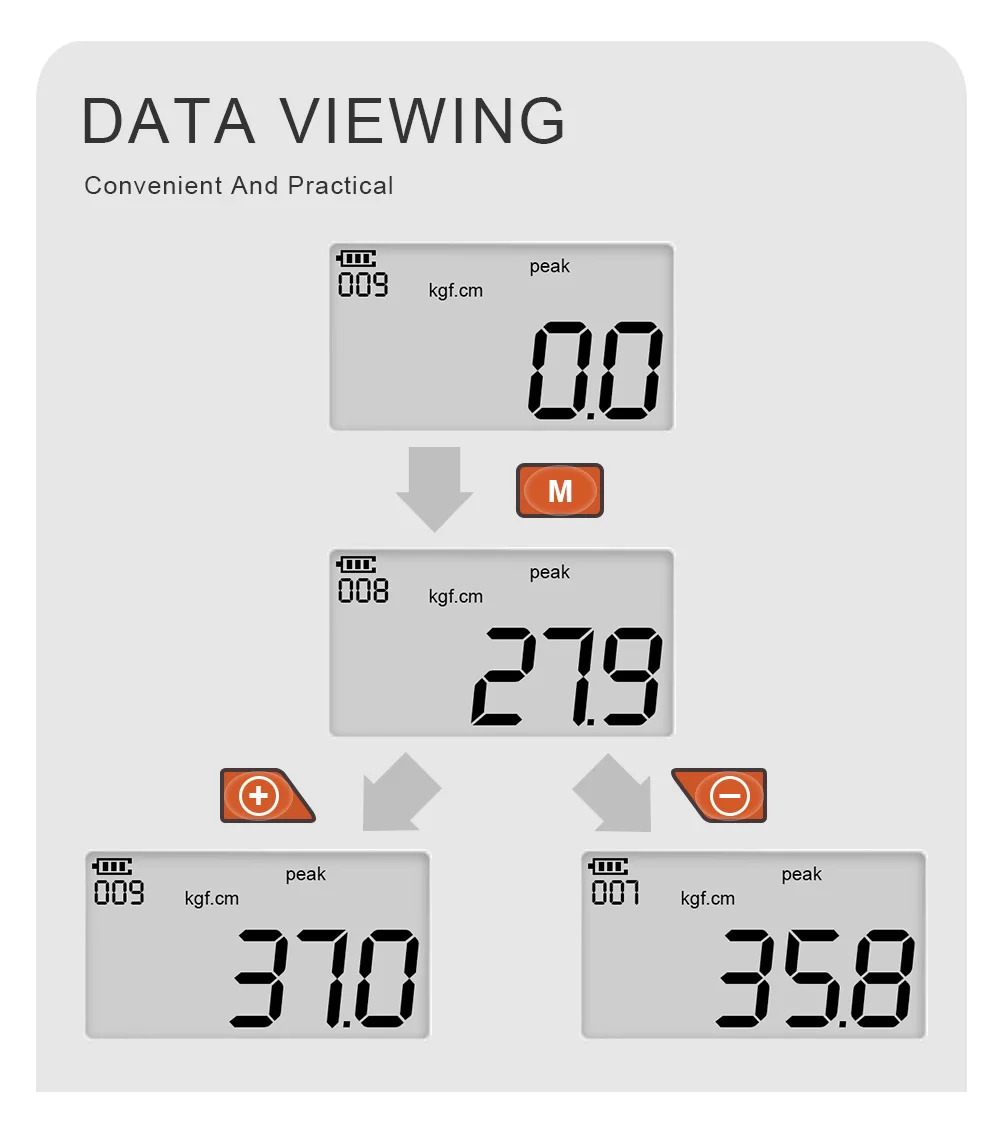
Data Viewing
Press the "P/C" key to turn on or in the start-up measurement interface, long press the "M" key to view the saved data. In the data view interface, you can use the "ten" or "one" key to view the saved records. When finished, short press the "M" key to exit.
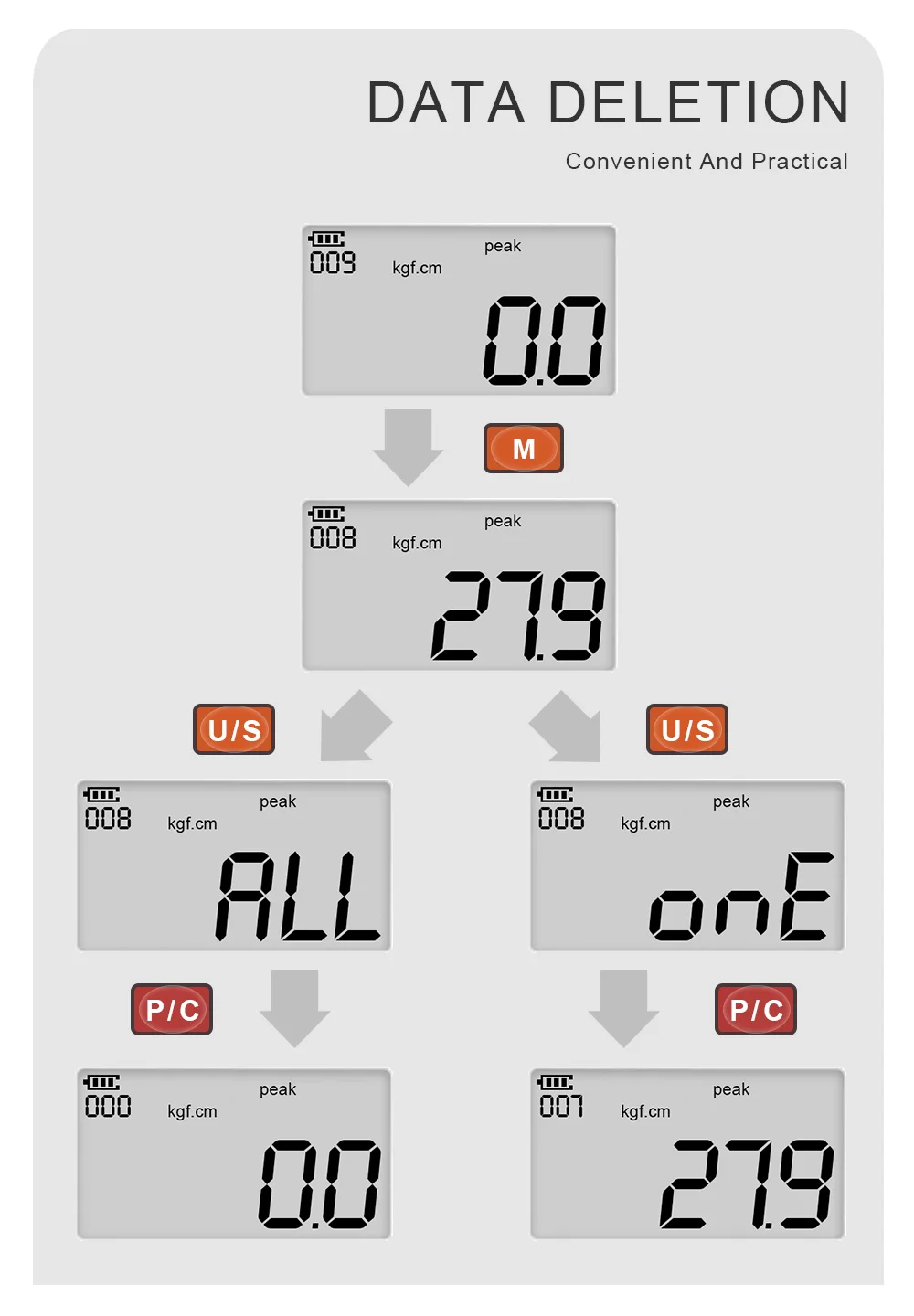
Data Deletion
Press the "P/C" key to turn on or in the start-up measurement interface, long press the "M" key to display the saved data, press the "U/S" key to select the delete method, "ALL" means delete all at once, "ONE" Indicates that the data is deleted one by one. After the selection is completed, finally press the "P/C" key to delete the saved data.
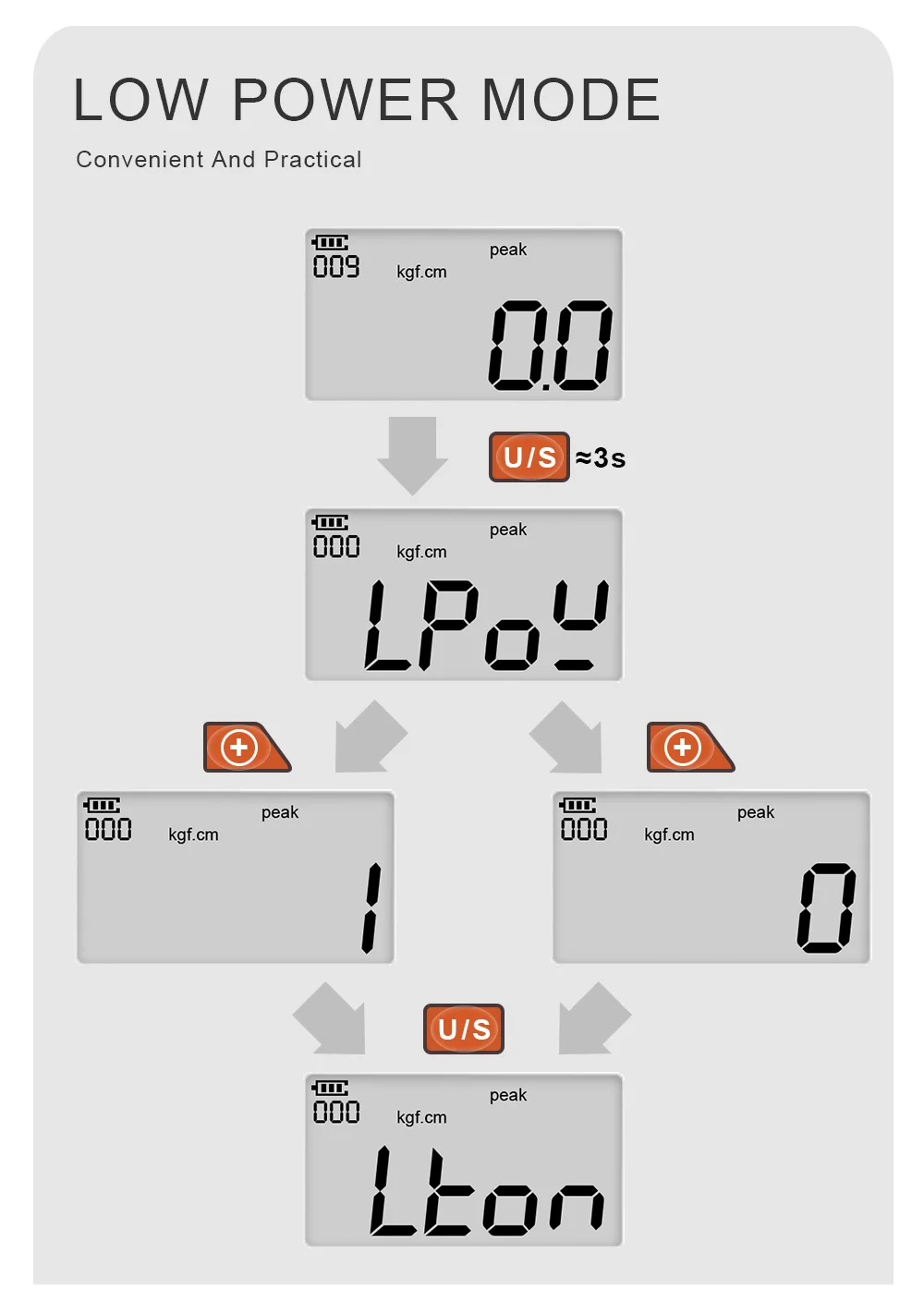
Low Power Mode
Long press the "U/S" key to enter the system menu, then short press the "U/S" key to select the "LPOW" option, and short press the "+" key to select whether to enable the low power consumption function. If the low power consumption function is turned on, select "1" and then quickly shortly press the "U/S" key to exit the system menu, that is, the low power consumption function is turned on. If it is not turned on, select "0" and then quickly press the "U/S" key to exit the system menu.
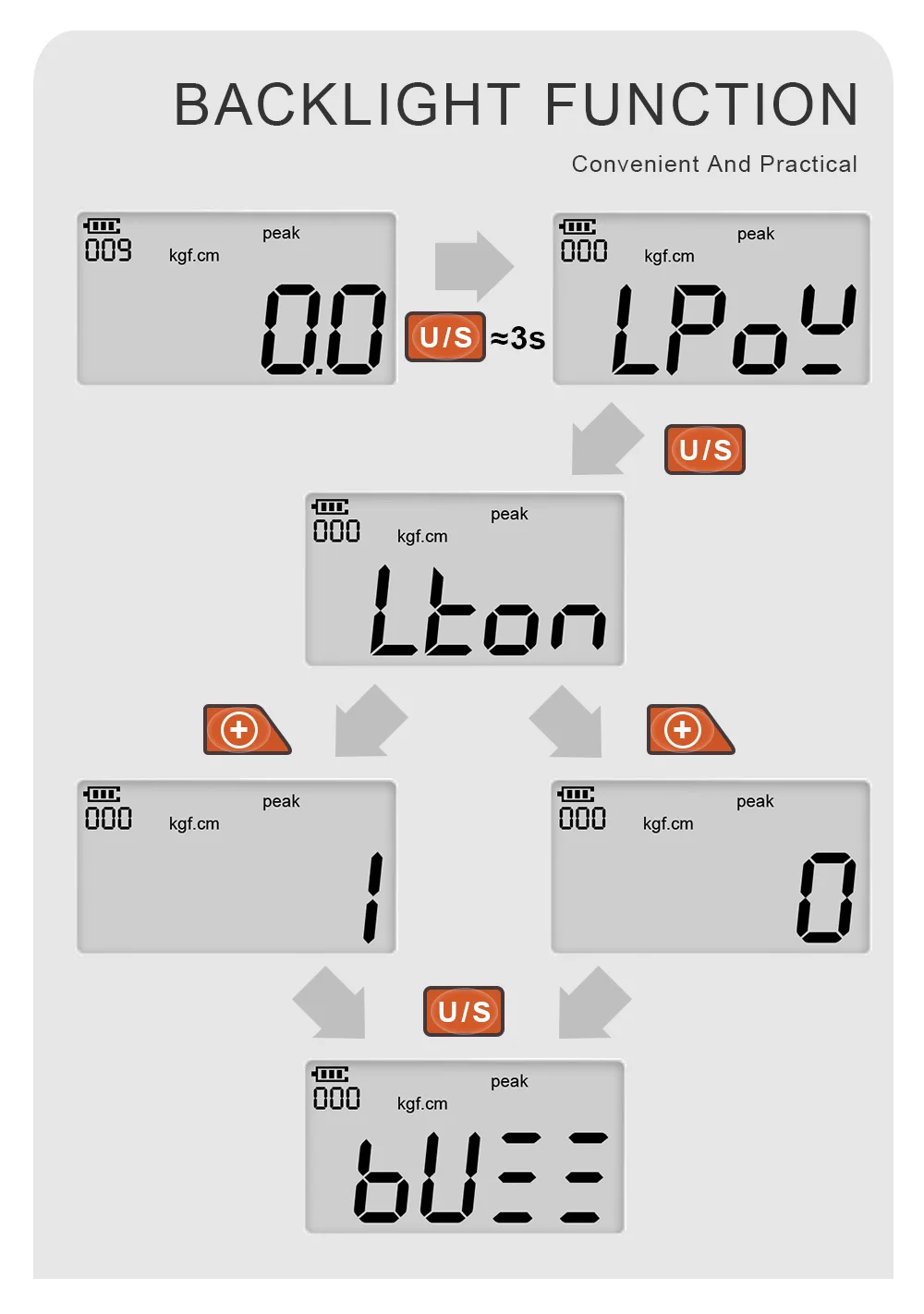
Backlight Function
Long press the "U/S" key to enter the system menu, then short press the "U/S" key to select the "LTON" option, and short press the "+" key to select whether to turn on the backlight function. If the backlight function is turned on, select "1" and then quickly short press the "U/S" key to exit the system menu, that is, the backlight function is turned on. Turn off the backlight function, select "0" and then quickly short press the "U/S" key to exit the system menu.
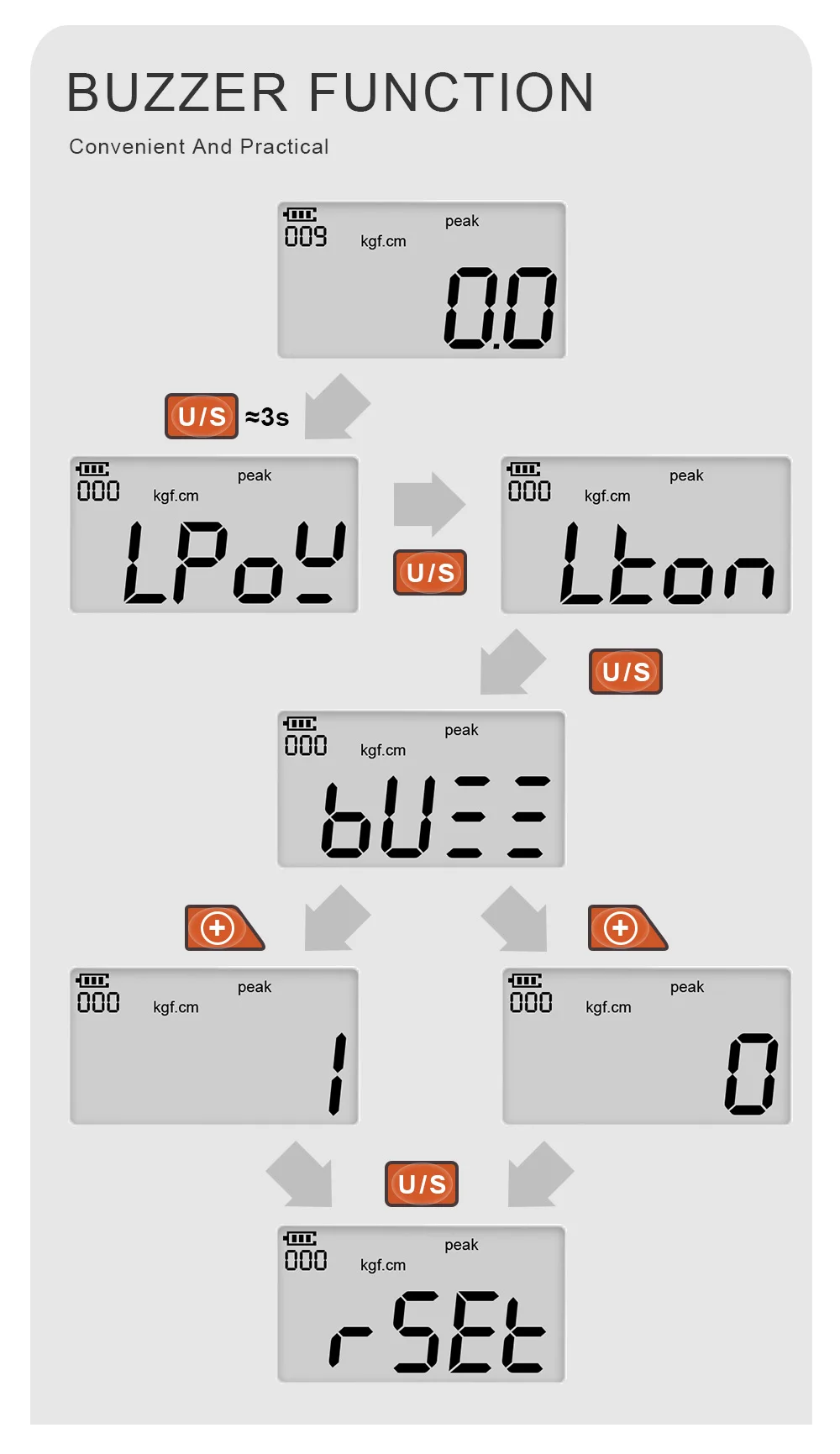
Buzzer Function
Long press the "U/S" key to enter the system menu, then short press the "U/S" key to select the "BUZZ" option, and short press the "+" key to select whether to turn on the buzzer. If the buzzer is turned on, select "1" and then quickly short press the "U/S" key to exit the system menu, that is, the buzzer is turned on. Turn off the buzzer, select "0" and quickly short press the "U/S" key to exit the system menu.
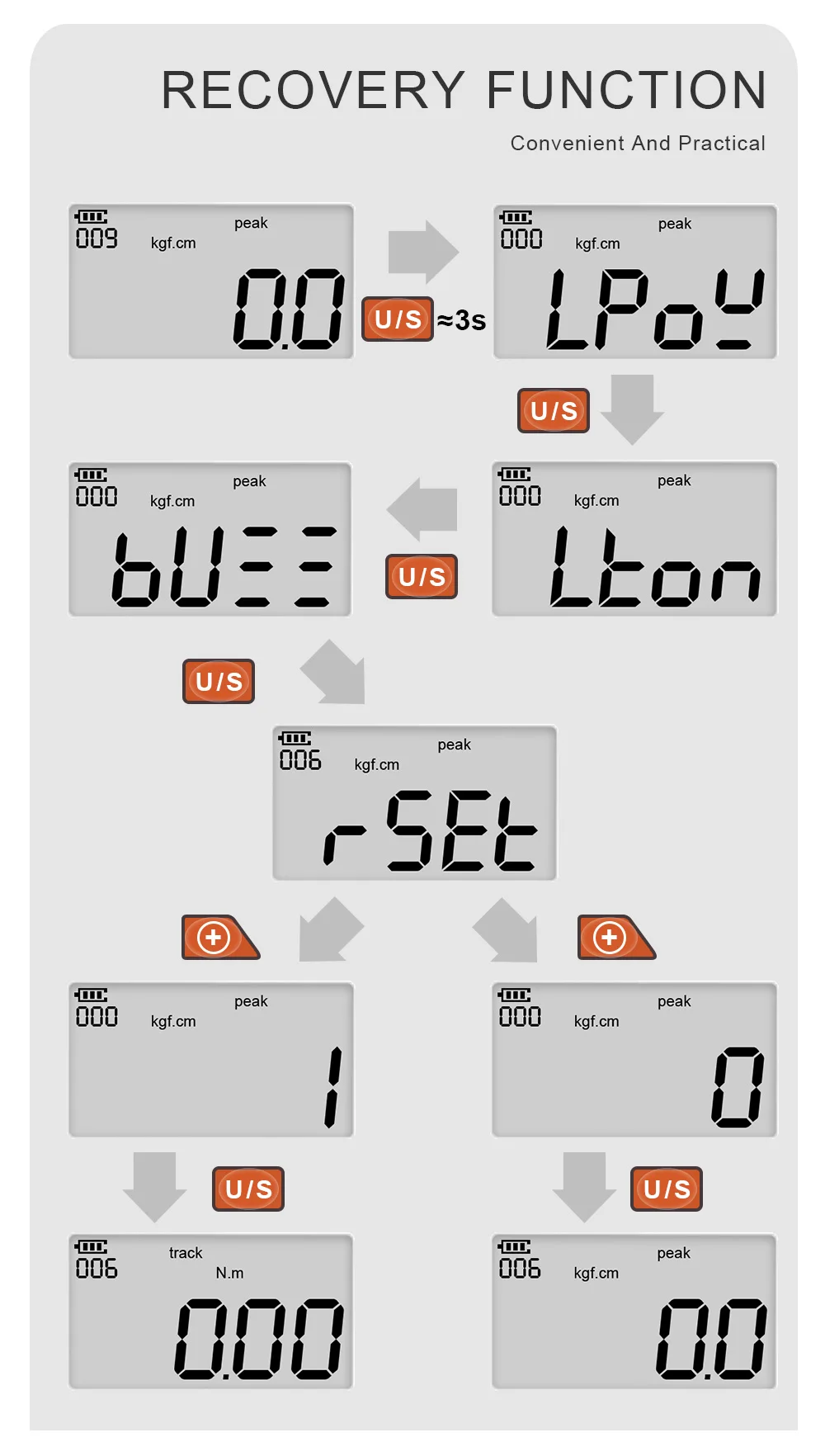
Restore Factory Settings
The user can use this function to restore the instrument to the factory settings. Long press the "U/S" key to enter the system menu selection, short press the "U/S" key to select the "RSET" menu, and then press the "+" key to select the number 1 or 0 . To restore the factory settings, select "1" and then quickly short press the "U/S" key to exit the system menu, that is, the product restores the factory settings. If you do not restore the factory settings, select "0" and then quickly short press the "U/S" key to exit the system menu.
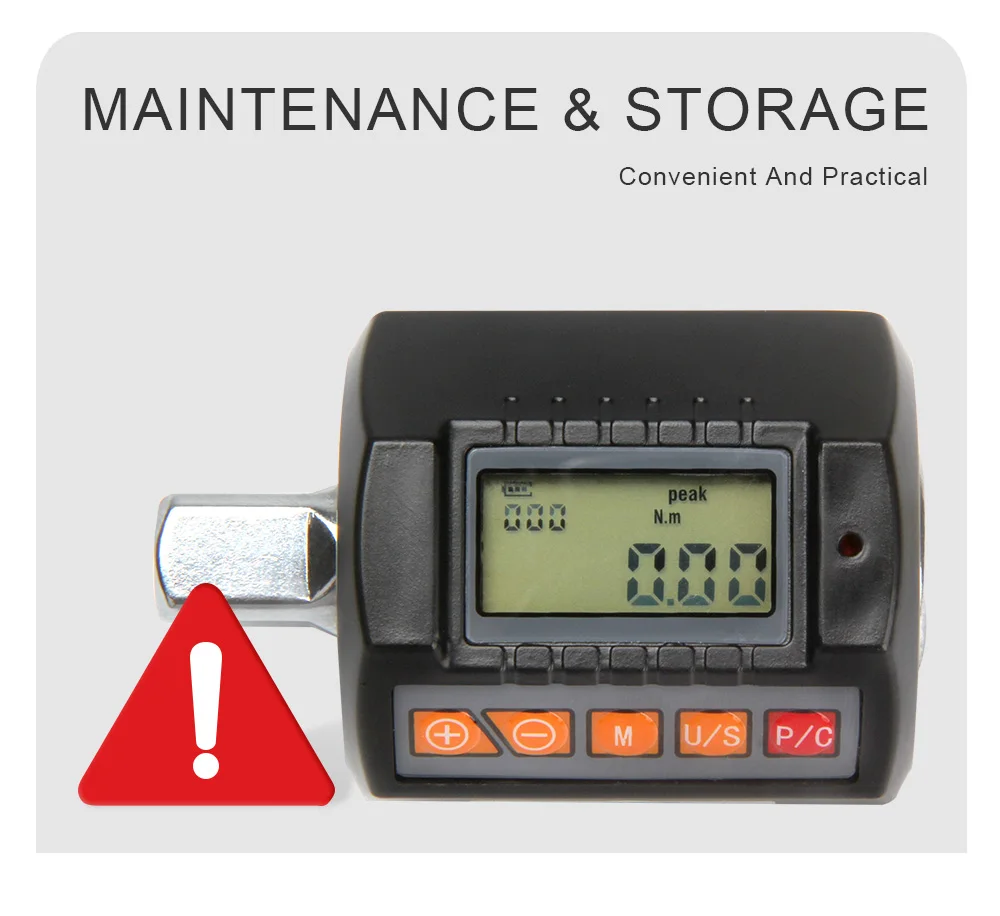
Maintenance and storage
1. Note: In order to maintain good accuracy, it is recommended to recalibrate approximately once a year.
2. Excessive torque may cause damage or loss of accuracy (105% beyond the maximum torque range).
3. Do not shake the torque meter violently or drop the torque meter on the ground.
4. Do not place the torque meter in high temperature, high humidity or direct sunlight.
5. If you accidentally get the torque meter wet, please wipe it with a dry towel immediately.
6. Do not put heavy pressure on the LCD screen.
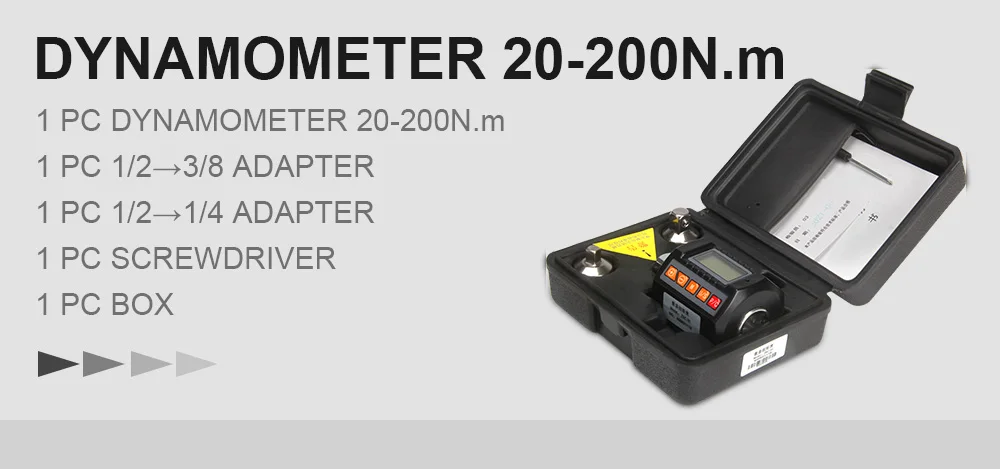

FivePears Ratchet Torque Wrench, Dinamometric Digital Orthodontic Dynamometer,Bike/Car/Mechanical Repair Multi Hand Tools
Отзывы:
 Идёт загрузка...
См. также другие товары: 8881005003399953647, 8881005003399953648, 8881005003399953650, 8881005003399953651
Отзывы о других товарах
Екатерина: Долго не решалась, но все-таки муж меня переубедил заказать эту курточку. По тем фотографиям, которые предоставлены на сайте...
Читать полностью...
Надежда: Мне понравилось, что у этой футболки большой выбор размеров и я без проблем отыскала себе футболку по размеру. Качество среднее, не буду расхваливать сильно,...
Читать полностью...
Екатерина: Заказывала его для дочери. Идет от шести лет. Количество деталей 117 шт, достаточно крупные. Элементы яркие, всего хватило. очень понравилось, что детали не перемешены ...
Читать полностью...
Сергей: Купил себе такой телефон из-за оптимального сочетания цены и качества гаджета. Нравится его стильный внешний вид, большой и качественный экран, д...
Читать полностью...
Елена: Заказывала их для мужа. У него они как расходный материал, теряет во время ловли или еще чего нить с ними случается. Сами приманки легкие, весом ок...
Читать полностью...
Юлия: В принципе, довольна, только сенсор немного подвисает. Мониторинг полный - это правда, то-есть, я в курсе всех сброшенный калорий, а я покупала...
Читать полностью...
Данный товар, можно так же приобрести с кэшбэком до 5%! Подробнее тут:


